
Optimize your Microsoft 365 Copilot licenses. Reduce costs, analyze actual usage, and avoid software waste with a comprehensive audit.
Artificial intelligence (AI) is transforming the business world
Artificial intelligence (AI) has become firmly established in companies, pushing organizations of all sizes to adopt new tools to gain efficiency and strengthen their competitive advantage. Among these technologies, Microsoft 365 Copilot stands out thanks to its seamless integration into the Office 365 environment, already well known to users.
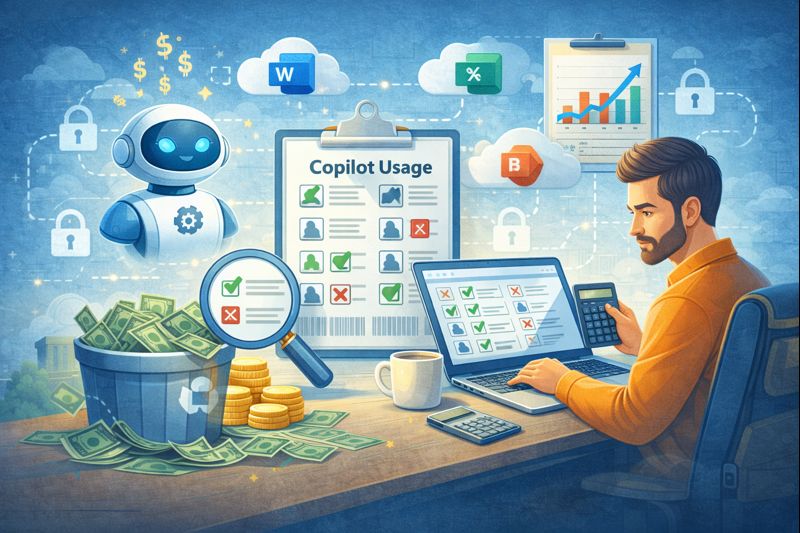
In the rush to adopt new solutions, many companies purchase licenses for their entire workforce without proper analysis. This approach often leads to the phenomenon known as “shelfware”, meaning AI tools that go unused while the company continues to pay for them. Given the high cost of these solutions, it is essential to invest thoughtfully to achieve a real return on investment.
Because you can only improve what you measure, a Microsoft 365 Copilot audit becomes essential to assess and quantify adoption rates. An in-depth review makes it possible to see who is actually using the technology and who benefits from it. It also helps make better licensing decisions, reducing costs while improving overall efficiency.
The reality of waste linked to AI licenses
Buying licenses in bulk may seem convenient, as it simplifies the work of the IT department. However, this strategy often ignores real user behavior: not everyone needs Copilot’s advanced features.
Waste occurs when licenses remain inactive. For example:
a receptionist is unlikely to need advanced data analysis;
a field technician may never open the desktop application.
Paying for unused licenses weighs on the budget. Identifying and correcting these gaps is essential to protect company finances. The savings achieved can then be reinvested in more strategic projects.
Analyzing user activity reports
Fortunately, Microsoft provides built-in tools to analyze actual Copilot usage.
The Microsoft 365 Admin Center is the best place to start. It allows you to generate reports over defined periods and obtain a clear view of engagement.
You can track indicators such as:
enabled users
active users
adoption rate
usage trends
This data makes it possible to identify employees who have never used Copilot or whose minimal usage does not justify a dedicated license.
This visibility enables fact-based decisions—and opens a constructive dialogue with department managers to understand why certain teams are not using the tool.
Strategies to optimize the IT budget
Once waste has been identified, it’s time to act.
First actions to consider:
reclaim unused licenses and reassign them where they are truly needed;
implement a formal license request process: only users who can justify their need receive Copilot.
IT budget optimization is never a one-off exercise: it requires ongoing monitoring. Reviewing these metrics monthly or quarterly helps maintain control over software spending.
Driving adoption through training
A low usage rate does not necessarily mean a lack of interest.
Some people simply do not need the tool. Others avoid it due to insufficient training, which leads to frustration and poor adoption.
That is why reducing licenses alone is not enough: the company must also invest in training.
Recommended steps:
organize lunch & learn sessions to present key features;
share testimonials from internal power users;
create a library of short, practical tip videos;
appoint Copilot Champions in each department.
When an employee understands the value of the tool and knows how to use it, adoption increases naturally—turning an underused license into a real productivity asset.
Implementing a governance policy
Another way to reduce waste is to establish a governance policy for AI tools. This clarifies:
who is entitled to a license;
which roles receive one automatically;
which cases require manager approval;
how often licenses are reviewed.
Clear governance avoids the “everyone gets one” approach that leads to waste. It also improves transparency and encourages a culture of accountability in the use of IT resources.
Preparing properly before the renewal period
The worst time to review your license usage?
The day before renewal.
Plan your audits at least 90 days in advance. This gives you time to adjust the contract and reduce or optimize the number of licenses.
This preparation also strengthens your position when negotiating with vendors: by bringing concrete data, you can align your contract with real needs and avoid another year of unnecessary expenses.
Smart management makes all the difference
Modern software management requires vigilance and data.
With the widespread adoption of subscription models, letting licenses accumulate without oversight is no longer an option. Regular Microsoft 365 Copilot audits protect your budget and ensure effective usage by aligning purchases with actual use.
Take control today.
Analyze the numbers, ask the right questions, and make sure every franc invested truly contributes to your company’s growth.
Ready to optimize your AI tool spending?
Our team supports you with comprehensive Microsoft 365 Copilot audits to eliminate waste and take control of your IT budget.
Contact us now to schedule your consultation.